🌍
26 Sprachen
26 languages
Echte Handübersetzung inkl. CJK und RTL — direkt in der App umschaltbar, ohne die Systemsprache zu ändern.
True human translation incl. CJK and RTL — switchable right in the app, without changing your system language.
🪄
Läuft auf macOS 27
Works on macOS 27
macOS 27 hat die alten Tricks zum Ausblenden geschlossen — Ice & Co. können nicht mehr. Tidiers neu gebaute Engine versteckt trotzdem weiter, so wie es auch Bartender macht.
macOS 27 closed the old tricks for hiding menu bar items — Ice & co. can't anymore. Tidier's rebuilt engine still hides, the way Bartender does.
👁️
Verstecken & Zeigen
Hide & show
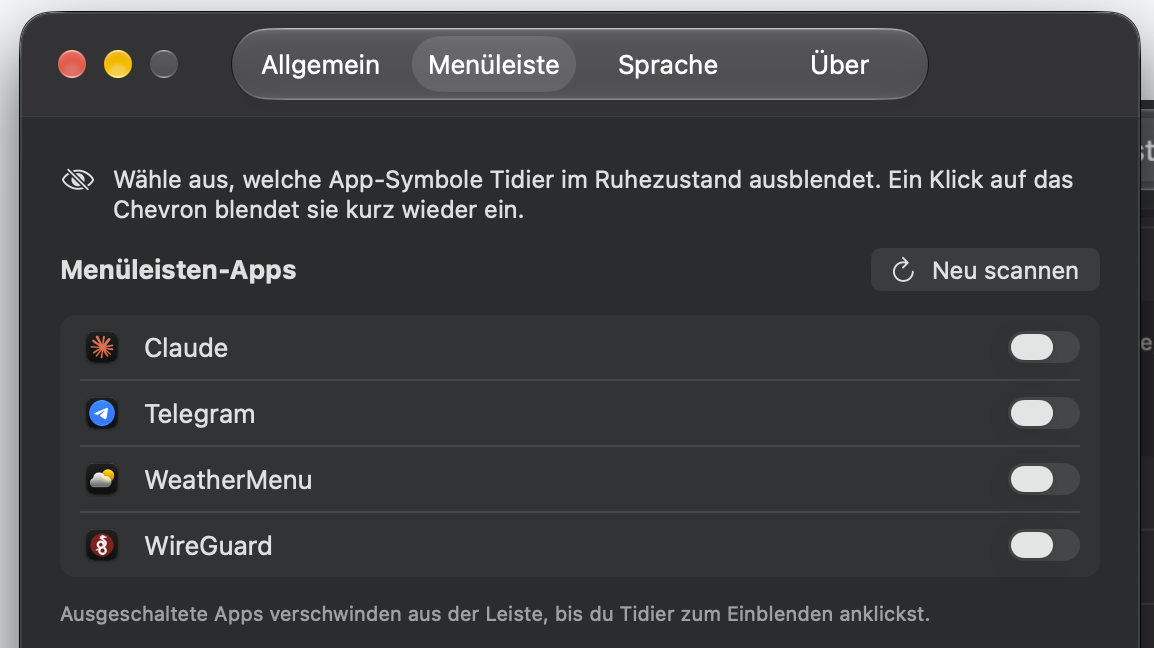
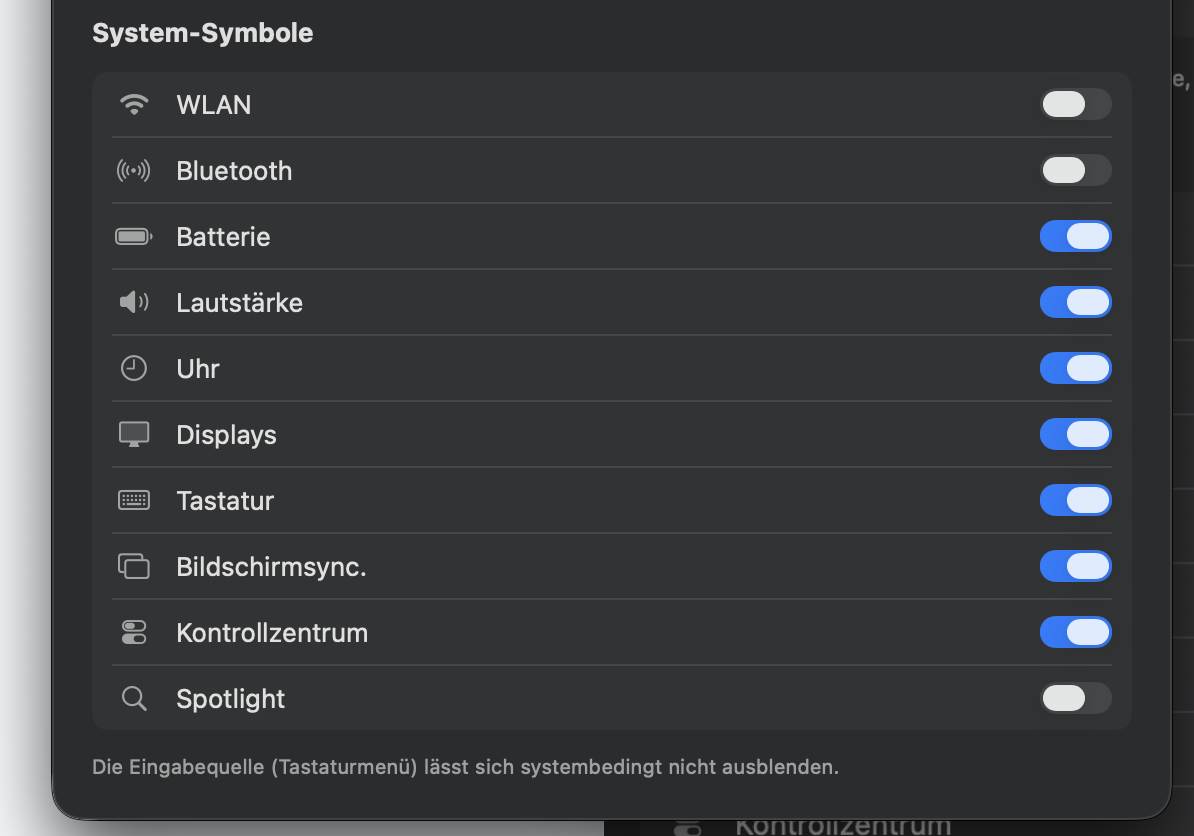
Ein Klick blendet aus — Drittanbieter genauso wie System-Items (WLAN, Bluetooth, Batterie, Uhr, Spotlight). Dazu Auto-Rehide mit Intervall, Reveal-on-Hover und eine optionale „immer ausgeblendet"-Sektion.
One click hides — third-party as well as system items (Wi-Fi, Bluetooth, battery, clock, Spotlight). Plus auto-rehide with interval, reveal-on-hover and an optional "always hidden" section.
🔒
Minimale Rechte
Minimal permissions
Nur die Bedienungshilfen werden benötigt (Screen-Recording optional). Keine Cloud, kein Tracking — alles bleibt lokal.
Only Accessibility is required (screen recording optional). No cloud, no tracking — everything stays local.
⚡
Nativ, kein Electron
Native, no Electron
Swift 6 mit AppKit und SwiftUI. Läuft als schlanker Menüleisten-Agent ohne Dock-Icon — leicht und schnell.
Swift 6 with AppKit and SwiftUI. Runs as a lean menu-bar agent without a dock icon — light and fast.
🆓
Frei & quelloffen
Free & open source
Kostenlos gedacht als offene Alternative zu Bartender (kostenpflichtig) und Ice — mit dem Fokus auf saubere Übersetzung.
Intended to be free as an open alternative to Bartender (paid) and Ice — with a focus on clean localization.